Widgets Introduction
Transform any website into an engaging experience with Widgets - embeddable components that bring your Streams and Short Videos directly to your audience.
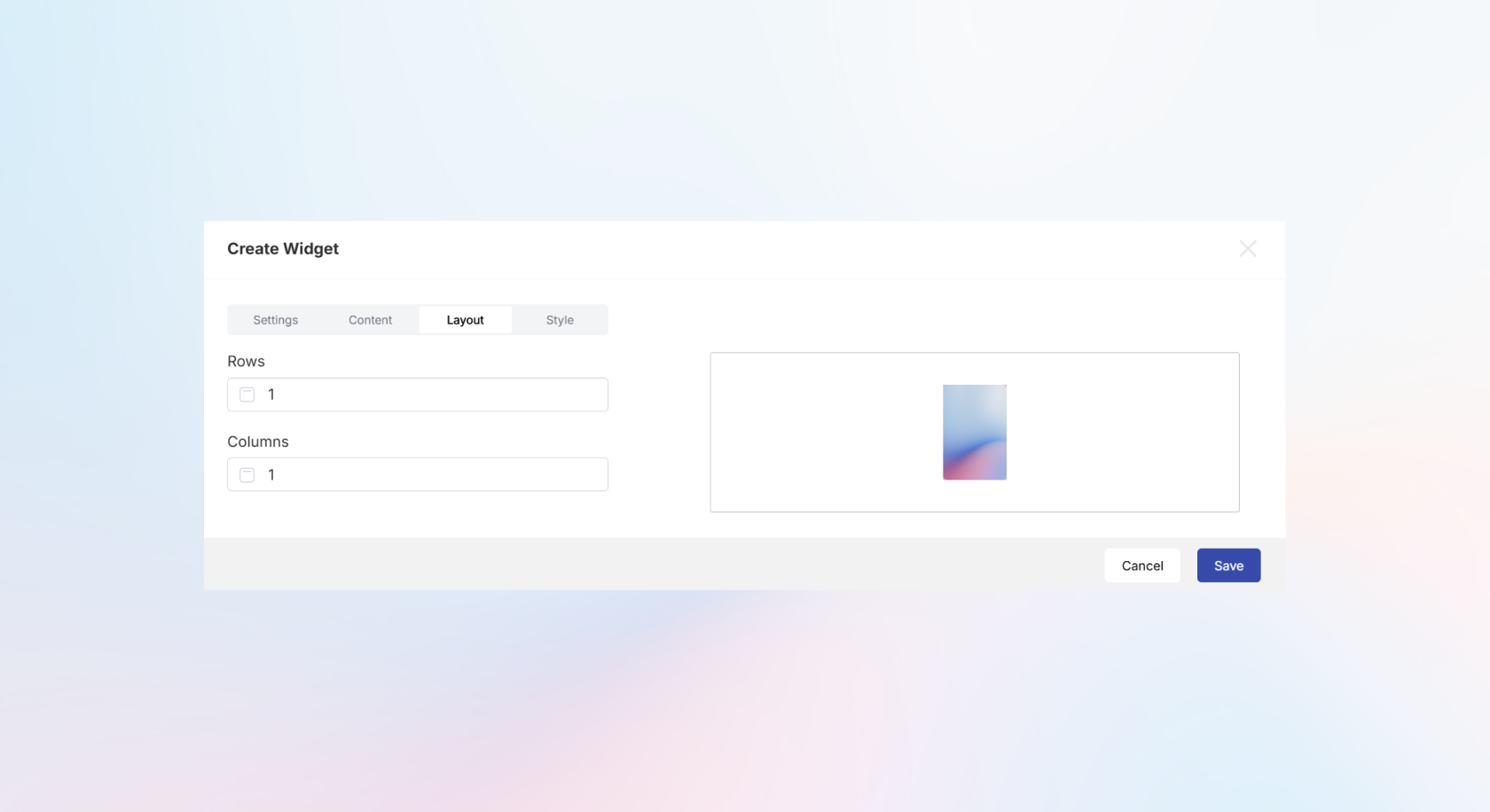
What are Widgets?
Widgets are customizable, embeddable components that allow you to display your Streams or Short Videos on external websites. They provide a seamless way to distribute your content across multiple touchpoints while maintaining your brand experience.
Widget Implementation Examples
HTML
<!DOCTYPE html>
<html lang="en">
<head>
    <meta charset="UTF-8">
    <meta name="viewport" content="width=device-width, initial-scale=1.0">
    <title>Widget Example</title>
<script defer src="https://ststreamsdev1weu.blob.core.windows.net:443/widgets-x-widgets/..."></script>
</head>
<body>
<sp-WidgetId></sp-WidgetId>

</body>
</html>
Svelte
<svelte:head>
  <title>Widget Example</title>
  <script defer src="https://ststreamsdev1weu.blob.core.windows.net:443/widgets-x-widgets/..."></script>
</svelte:head>

<sp-WidgetId></sp-WidgetId>
Key Features
Easy Integration
Add dynamic content to any website with a single line of code - no complex setup required.
Fully Customizable
Control layout, styling, and behavior to match your brand and website design perfectly.
Auto-Updating Content
When you publish new content to your Streams, it automatically appears in your embedded Widgets without any code changes.
Responsive Design
Widgets adapt seamlessly to any screen size and device, ensuring optimal viewing experiences.
How Widgets Work
Simple Embed Process
- Create your Widget - Choose content and configure layout
- Customize appearance - Set styling to match your brand
- Generate embed code - Get a simple script tag
- Deploy anywhere - Add to any website or platform
Data Loader Architecture
Widgets use a smart data loader system that:
- Fetches the latest content every time the page loads
- Ensures your embedded content stays fresh
- Eliminates the need to update embed codes when content changes
Widget Types
Stream Widgets
Display your curated Streams with:
- Customizable grid layouts (rows and columns)
- Smooth scrolling experiences
- Interactive content navigation
Short Video Widgets
Showcase your vertical video content with:
- Auto-play capabilities
- Mobile-optimized viewing
- Seamless video transitions
Customization Options
Layout Configuration
- Grid Structure - Set custom rows and columns
- Content Arrangement - Control how content is displayed
- Spacing & Padding - Fine-tune visual spacing
Styling Control
- Brand Colors - Match your website's color scheme
- Typography - Align with your brand fonts
- Border & Effects - Add visual polish
Behavior Settings
- Interaction Options - Configure click behaviors
- Loading States - Customize loading experiences
- Responsive Breakpoints - Control mobile adaptations
Benefits for Your Website
Increased Engagement
- Dynamic Content - Keep your website fresh with auto-updating content
- Interactive Elements - Encourage longer site visits
- Visual Appeal - Break up static content with engaging media
Improved Conversions
- Contextual Placement - Position content where it has maximum impact
- Call-to-Action Integration - Drive specific user actions
- Trust Building - Showcase authentic content and testimonials
Reduced Maintenance
- Set and Forget - Content updates automatically
- No Technical Debt - Single embed code works indefinitely
- Consistent Branding - Maintain brand experience across all touchpoints
Use Cases
Marketing Websites
- Product showcases and demonstrations
- Customer testimonials and case studies
- Campaign-specific landing pages
E-commerce Sites
- Product videos and reviews
- User-generated content galleries
- Seasonal campaign highlights
Corporate Websites
- Company culture and team content
- Industry insights and thought leadership
- Event highlights and announcements
Technical Considerations
Performance
- Lightweight embed scripts for fast loading
- Content caching for optimal performance
- Progressive loading for large content collections
Compatibility
- Works with any website or CMS
- No framework dependencies
- Cross-browser compatibility
Updates & Caching
- Content updates appear immediately on page refresh
- Layout and styling changes propagate within 15 minutes
- Browser caching optimized for performance
Getting Started
Ready to embed your first Widget? You'll need:
- Content Ready - Streams or Short Videos to display
- Website Access - Ability to add code to your site
- Design Plan - Know where and how you want content displayed
What's Next?
- Monitor Widget performance
Widgets bridge the gap between your content and your audience - use them to bring your owned channels to life.